
How to Create a Strong Password in 2025: A Simple Guide to Outsmart Cyber Threats
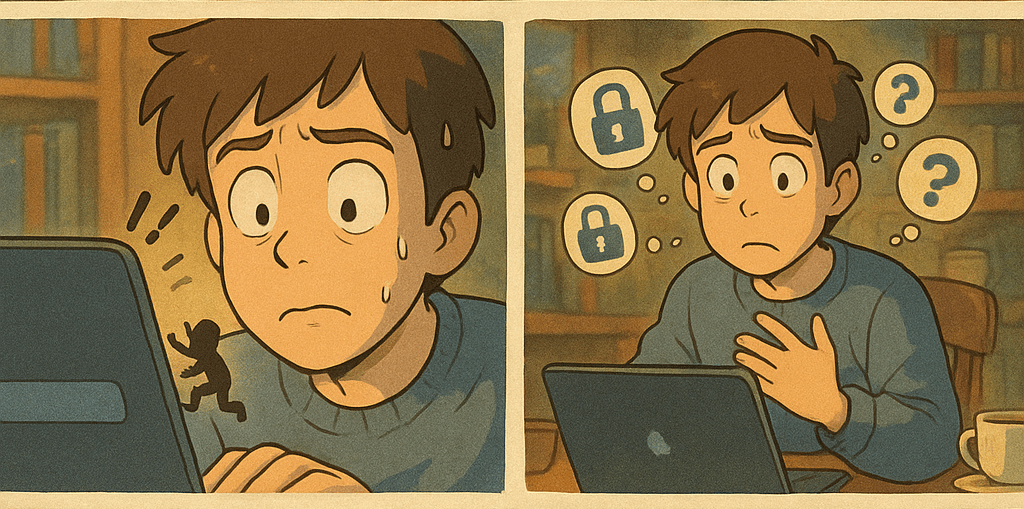
In 2025, passwords are still a necessary evil.
Despite the rise of passkeys, biometrics, and password-less logins, passwords haven’t gone away and they remain one of the most targeted and vulnerable parts of your digital life. According to the 2025 Verizon Data Breach Report, only 3% of the total unique passwords meet complexity requirements. So if you're still using "123456" or your pet's name with a few numbers, it's time to level up.
This blog post isn’t just another reminder to "use a strong password." It's your 2025 guide to creating smarter, safer passwords with practical tips that balance security and convenience.
What Makes a Password Strong?
A strong password is one that:
Is at least 12 characters long (longer = better)
Includes a mix of uppercase and lowercase letters, numbers, and special characters
Is not based on personal information (like birthdays or pet names)
Is unique for each account
Has no connection to previous passwords or dictionary words
Is unpredictable, something a hacker, AI, or brute-force script cannot guess.

Easy Yet Powerful Ways to Create Strong Passwords
Here are novel but practical methods you can use starting today:
- Turn a Personal Sentence into a Password
Think of a sentence that only you would know, then take the first letters and mix in numbers or symbols.
“My first trip to Goa was in 2015 and it was amazing!”
→MfT2Gwi15&iwa!
This is easy to remember but extremely hard to crack.
- Use Passphrases Instead of Passwords
A passphrase is a string of random but memorable words. Example:
Banana_Hiking%Orange@Book!
This is 24+ characters and super secure — but still memorable.
- Use Emoji Style Emoticons
While emojis themselves don’t work in most password fields, emoticons do!
Example:
Happy:)Rainy:(Day!#2025
These add a personal flair and randomness that basic passwords don’t have.
- Use a Dictionary Remix Trick
Pick four random, unrelated words and sprinkle in numbers/symbols.
Example:
Tiger^Echo7Lamp$Coffee
Now it’s long, complex, and doesn't rely on personal data.
- Add Site-Specific Tags to a Base Password (with caution)
If you have a base strong password, add a creative tag for each site.
Example:
Base:
!nsideMy#C4stle0fC0des
Email:!nsideMy#C4stle0fC0des@Mail
Amazon:!nsideMy#C4stle0fC0des@AZN
Note: Don’t use predictable tags. If one password leaks, others may still be guessable.
How to Store and Protect Your Passwords
Creating strong passwords is half the job — keeping them safe is the rest. Here’s how:
✅ Use a trusted password manager
✅ Don’t reuse passwords across accounts
✅ Enable Two-Factor Authentication (2FA) wherever possible
✅ Avoid saving passwords in browsers or local files
✅ Don’t ignore password update reminders
✅ Monitor breaches with tools like HaveIBeenPwned.com
Final Checklist: Your Password Safety in 2025
| ✔️ Step | Status |
| All passwords 12+ characters | ✅ |
| Mix of letters, numbers, symbols | ✅ |
| Each account has a unique password | ✅ |
| Using a password manager | ✅ |
| 2FA enabled on all accounts | ✅ |
Closing Thought
Passwords are your first line of defense in the digital world. While we work toward a password-less future, the smartest move you can make in 2025 is to create strong, unique passwords and use a password manager to remember them for you.
Security doesn’t have to be complicated.
It just needs to be intentional.
Stay aware. Stay safe.